How to Enable Auto-Answer Calls in iOS 11/ iOS 12 on iPhone to Automatically Answer Phone calls 2018
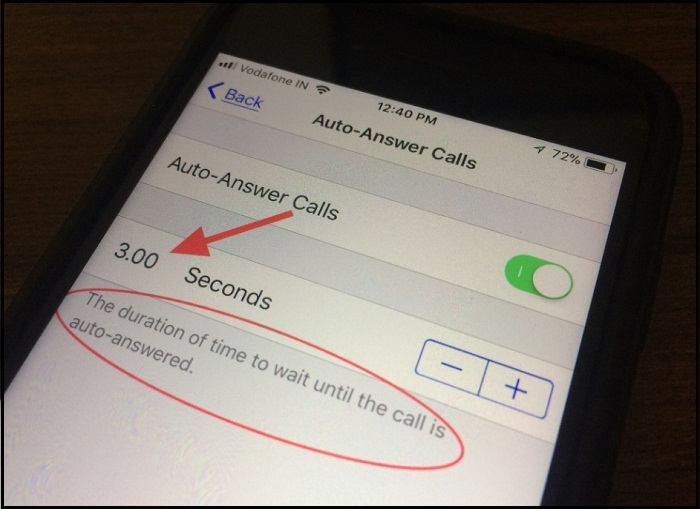
How to Enable Auto-Answer Calls in iOS 11/ iOS 12 on iPhone to Automatically Answer Phone calls Step #1. Launch the Settings App from your iPhone Home screen. Step #2. Find General. Step #3. Tap Accessibility. Step #4. Next Up, scroll down the screen to tap Call Audio Routing. Step #5. Now tap on Auto-Answer calls. Step #6. Turn toggle On/Green next to the Auto-Answer Calls. That’s it! Enjoy the auto call answer without having to touch phone and headset. By default, the company gives 3 seconds to auto-receiving call. So your phone receives an incoming call after 2 or 3 rings. But it is to be customized thus if you want to decrease (up to 0 seconds) or increase seconds up to 60 seconds (1 minute) using beside given (-) and (+) switch. From now, your iPhone will auto receive next incoming call. For you quickly understand here I set up 5 seconds to open. Now your iPhone will work with regular settings, I mean, without slide to answer you can’t be able to ...